> ## Documentation Index
> Fetch the complete documentation index at: https://docs.erstan.com/llms.txt
> Use this file to discover all available pages before exploring further.
# Solution Library
> Explore ready-made Agents, automations, and Apps for NetSuite work, with their data and setup requirements.
Start with an Agent for your work, add an automation for a repeatable process, or install an App for an interactive dashboard or workspace. Each listing below describes the current catalog item and its requirements.
In Erstan, open **Library** and choose **Agents**, **Automations**, **Apps**, or **All**. Search within the selected type and use **Category** to narrow the results. Availability depends on your workspace. See [Using the Solution Library](/marketplace/overview).
## Choose an agent
* [Finance Agent](/library/finance-agent): Reporting, cash flow and close, in one conversation.
* [AP Agent](/library/ap-agent): Supplier invoices, vendor bills and payment preparation.
* [AR Agent](/library/ar-agent): Customer invoices, collections and cash application.
* [NetSuite Solution Agent](/library/solution-agent): Requirements, process design and NetSuite configuration.
* [Technical Agent](/library/technical-agent): SuiteScript, SuiteQL and integration help.
* [Inventory Agent](/library/inventory-agent): Stock, replenishment and inventory exceptions.
* [Sales Agent](/library/sales-assistant): Leads, opportunities, quotes and sales orders.
* [Support Agent](/library/support-agent): Customer cases, responses and support knowledge.
## Optional automations
Add these separately when you need a repeatable workflow.
* [Enterprise Research Agent (Anthropic)](/library/anthropic-enterprise-research): Turns a company name into a research-grade brief, built from live web research and delivered as a structured document.
* [Bad-Debt Reserve JE: Estimate, Draft and Post](/library/bad-debt-reserve-je): Estimates the bad-debt reserve from your AR history and drafts the journal entry — nothing posts without your approval.
* [AP Vendor Bill Automation](/library/mcp-ap-vendor-bill-simple): Turns incoming invoices into matched, duplicate-checked vendor bills — every bill waits for your approval before it is created.
* [AR Cash Application](/library/mcp-ar-cash-application): Matches customer payments to open invoices and applies the cash — low-confidence matches come to you for review before posting.
* [NetSuite CSV Import Runner](/library/mcp-csv-import-runner): Runs your saved NetSuite CSV imports on demand and reports back the task status — routine data loads without the clicks.
* [Inventory Write-down](/library/mcp-inventory-obsolescence): Finds slow-moving stock, recommends reserves, and drafts the write-down — journals post only after your approval.
* [Routine Journal Posting](/library/mcp-month-end-close-journal): Keeps routine close journals moving — drafted, balanced, and posted only after your approval.
* [Vendor Spend Anomaly Monitor](/library/mcp-vendor-spend-anomaly): Watches vendor spend against baseline and escalates anomalies as ready-to-act risk briefs — read-only monitoring, no surprises.
## Apps
Install a ready-made dashboard or workspace. Review the connected data, destination, resource choices, and any included Agents before completing setup. See [Adding Apps](/marketplace/add-apps).
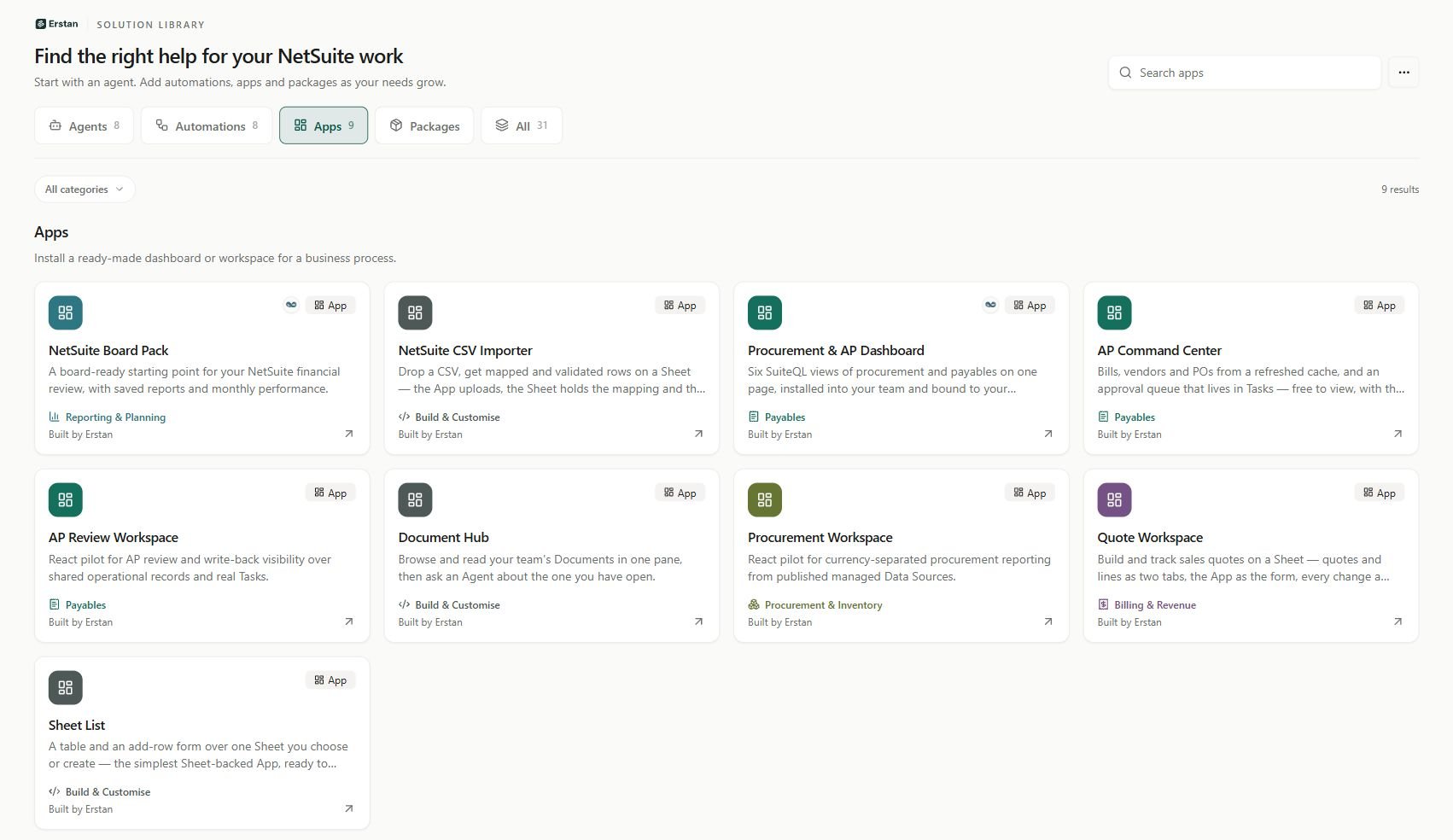 * [AP Command Center](/library/app-ap-command-center): Bills, vendors and POs from a refreshed cache, and an approval queue that lives in Tasks — free to view, with the NetSuite work done by a producer Agent.
* [AP Review Workspace](/library/app-ap-review-workspace): React pilot for AP review and write-back visibility over shared operational records and real Tasks.
* [Document Hub](/library/app-document-hub): Browse and read your team's Documents in one pane, then ask an Agent about the one you have open.
* [NetSuite Board Pack](/library/app-netsuite-board-pack): A board-ready starting point for your NetSuite financial review, with saved reports and monthly performance.
* [NetSuite CSV Importer](/library/app-netsuite-csv-importer): Drop a CSV, get mapped and validated rows on a Sheet — the App uploads, the Sheet holds the mapping and the data, the Agent does the work.
* [Procurement & AP Dashboard](/library/app-procurement-ap-dashboard): Six SuiteQL views of procurement and payables on one page, installed into your team and bound to your NetSuite connection.
* [Procurement Workspace](/library/app-procurement-workspace): React pilot for currency-separated procurement reporting from published managed Data Sources.
* [Quote Workspace](/library/app-quote-workspace): Build and track sales quotes on a Sheet — quotes and lines as two tabs, the App as the form, every change a versioned Sheet write.
* [Sheet List](/library/app-sheet-list): A table and an add-row form over one Sheet you choose or create — the simplest Sheet-backed App, ready to copy and extend.
## Packages
Add related skills and prompts together. Packs extend the agents you already use; they do not create more agents.
* [Complete NetSuite Prompt Pack](/library/complete-netsuite-prompts): Accounts payable, receivables, close, treasury, inventory, sales, support and NetSuite development in one prompt pack.
* [Customer Operations](/library/customer-operations): Collections, customer balances, sales opportunities, quotes and support cases.
* [Finance & Close](/library/finance-close): Reconciliation, reporting, cash forecasts, dashboards and month-end close.
* [Inventory & Purchasing](/library/inventory-purchasing): Stock availability, cycle counts, replenishment and purchasing.
* [NetSuite Delivery](/library/netsuite-delivery): Requirements, process design, SuiteQL, SuiteScript and implementation guidance.
* [Vendor Operations](/library/vendor-operations): Vendor checks, bill reviews, invoice intake and payment preparation.
Create or edit your own agents with Erstan on the [Agent Builder page](/agents/create-first-agent).
* [AP Command Center](/library/app-ap-command-center): Bills, vendors and POs from a refreshed cache, and an approval queue that lives in Tasks — free to view, with the NetSuite work done by a producer Agent.
* [AP Review Workspace](/library/app-ap-review-workspace): React pilot for AP review and write-back visibility over shared operational records and real Tasks.
* [Document Hub](/library/app-document-hub): Browse and read your team's Documents in one pane, then ask an Agent about the one you have open.
* [NetSuite Board Pack](/library/app-netsuite-board-pack): A board-ready starting point for your NetSuite financial review, with saved reports and monthly performance.
* [NetSuite CSV Importer](/library/app-netsuite-csv-importer): Drop a CSV, get mapped and validated rows on a Sheet — the App uploads, the Sheet holds the mapping and the data, the Agent does the work.
* [Procurement & AP Dashboard](/library/app-procurement-ap-dashboard): Six SuiteQL views of procurement and payables on one page, installed into your team and bound to your NetSuite connection.
* [Procurement Workspace](/library/app-procurement-workspace): React pilot for currency-separated procurement reporting from published managed Data Sources.
* [Quote Workspace](/library/app-quote-workspace): Build and track sales quotes on a Sheet — quotes and lines as two tabs, the App as the form, every change a versioned Sheet write.
* [Sheet List](/library/app-sheet-list): A table and an add-row form over one Sheet you choose or create — the simplest Sheet-backed App, ready to copy and extend.
## Packages
Add related skills and prompts together. Packs extend the agents you already use; they do not create more agents.
* [Complete NetSuite Prompt Pack](/library/complete-netsuite-prompts): Accounts payable, receivables, close, treasury, inventory, sales, support and NetSuite development in one prompt pack.
* [Customer Operations](/library/customer-operations): Collections, customer balances, sales opportunities, quotes and support cases.
* [Finance & Close](/library/finance-close): Reconciliation, reporting, cash forecasts, dashboards and month-end close.
* [Inventory & Purchasing](/library/inventory-purchasing): Stock availability, cycle counts, replenishment and purchasing.
* [NetSuite Delivery](/library/netsuite-delivery): Requirements, process design, SuiteQL, SuiteScript and implementation guidance.
* [Vendor Operations](/library/vendor-operations): Vendor checks, bill reviews, invoice intake and payment preparation.
Create or edit your own agents with Erstan on the [Agent Builder page](/agents/create-first-agent).