

Choose an agent
- Finance Agent: Reporting, cash flow and close, in one conversation.
- AP Agent: Supplier invoices, vendor bills and payment preparation.
- AR Agent: Customer invoices, collections and cash application.
- NetSuite Solution Agent: Requirements, process design and NetSuite configuration.
- Technical Agent: SuiteScript, SuiteQL and integration help.
- Inventory Agent: Stock, replenishment and inventory exceptions.
- Sales Agent: Leads, opportunities, quotes and sales orders.
- Support Agent: Customer cases, responses and support knowledge.
Optional automations
Add these separately when you need a repeatable workflow.- Enterprise Research Agent (Anthropic): Turns a company name into a research-grade brief, built from live web research and delivered as a structured document.
- Bad-Debt Reserve JE: Estimate, Draft and Post: Estimates the bad-debt reserve from your AR history and drafts the journal entry — nothing posts without your approval.
- AP Vendor Bill Automation: Turns incoming invoices into matched, duplicate-checked vendor bills — every bill waits for your approval before it is created.
- AR Cash Application: Matches customer payments to open invoices and applies the cash — low-confidence matches come to you for review before posting.
- NetSuite CSV Import Runner: Runs your saved NetSuite CSV imports on demand and reports back the task status — routine data loads without the clicks.
- Inventory Write-down: Finds slow-moving stock, recommends reserves, and drafts the write-down — journals post only after your approval.
- Routine Journal Posting: Keeps routine close journals moving — drafted, balanced, and posted only after your approval.
- Vendor Spend Anomaly Monitor: Watches vendor spend against baseline and escalates anomalies as ready-to-act risk briefs — read-only monitoring, no surprises.
Apps
Install a ready-made dashboard or workspace. Review the connected data, destination, resource choices, and any included Agents before completing setup. See Adding Apps.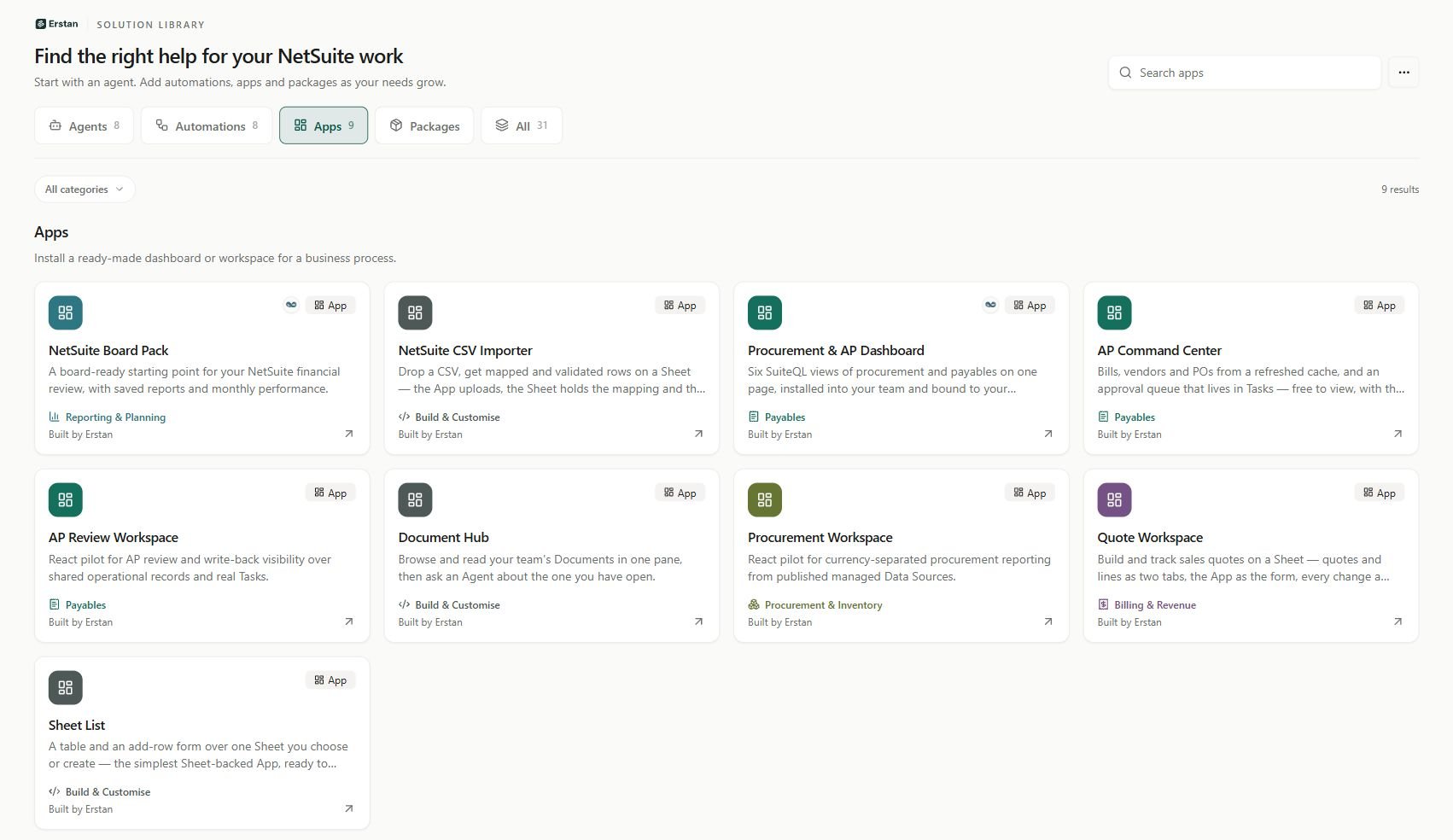
Apps in the Solution Library. Availability can vary by workspace.
- AP Command Center: Bills, vendors and POs from a refreshed cache, and an approval queue that lives in Tasks — free to view, with the NetSuite work done by a producer Agent.
- AP Review Workspace: React pilot for AP review and write-back visibility over shared operational records and real Tasks.
- Document Hub: Browse and read your team’s Documents in one pane, then ask an Agent about the one you have open.
- NetSuite Board Pack: A board-ready starting point for your NetSuite financial review, with saved reports and monthly performance.
- NetSuite CSV Importer: Drop a CSV, get mapped and validated rows on a Sheet — the App uploads, the Sheet holds the mapping and the data, the Agent does the work.
- Procurement & AP Dashboard: Six SuiteQL views of procurement and payables on one page, installed into your team and bound to your NetSuite connection.
- Procurement Workspace: React pilot for currency-separated procurement reporting from published managed Data Sources.
- Quote Workspace: Build and track sales quotes on a Sheet — quotes and lines as two tabs, the App as the form, every change a versioned Sheet write.
- Sheet List: A table and an add-row form over one Sheet you choose or create — the simplest Sheet-backed App, ready to copy and extend.
Packages
Add related skills and prompts together. Packs extend the agents you already use; they do not create more agents.- Complete NetSuite Prompt Pack: Accounts payable, receivables, close, treasury, inventory, sales, support and NetSuite development in one prompt pack.
- Customer Operations: Collections, customer balances, sales opportunities, quotes and support cases.
- Finance & Close: Reconciliation, reporting, cash forecasts, dashboards and month-end close.
- Inventory & Purchasing: Stock availability, cycle counts, replenishment and purchasing.
- NetSuite Delivery: Requirements, process design, SuiteQL, SuiteScript and implementation guidance.
- Vendor Operations: Vendor checks, bill reviews, invoice intake and payment preparation.